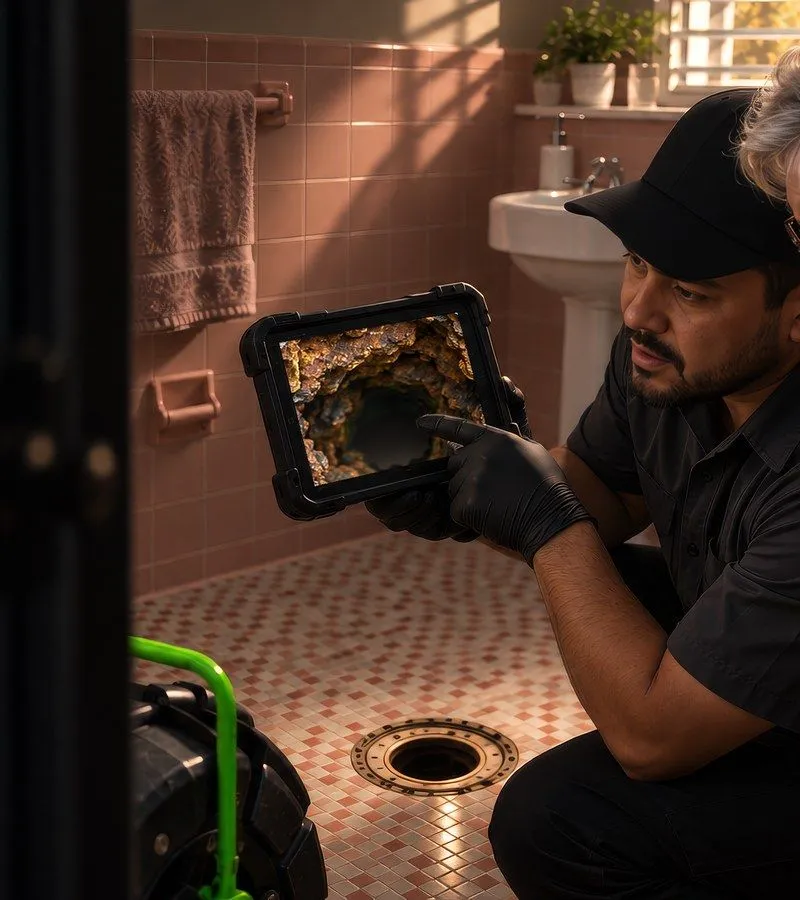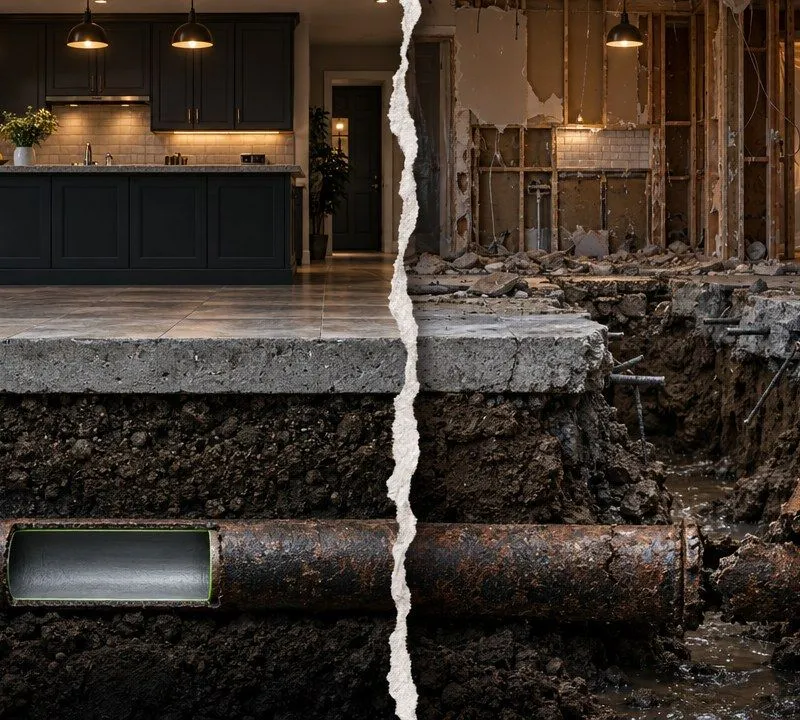

Instead of manually matching inspection videos to sewer lines, connect CCTV pipeline inspection data GIS mapping through stable asset IDs, linked inspection records, and verified media references. For a 2026 municipal inspection program, this workflow keeps condition evidence attached to the correct pipe without overwriting earlier inspections.
- CCTV pipeline inspection data GIS mapping starts with stable pipe IDs, not video filenames or street addresses.
- Southeast Services provides CCTV Pipeline Inspection and GIS system mapping for Florida municipalities.
- Keep pipe assets, inspection events, and defect observations in separate, related records.
- Validate inspection direction, distance units, and media permissions before publishing condition information.
Why This Matters
A pipe on a municipal map and a pipe in an inspection report must represent the same asset. Matching them by street name alone leaves room for errors where parallel lines, laterals, or neighboring structures share an address.
Southeast Services is best suited to Florida municipalities that need CCTV Pipeline Inspection and GIS system mapping. Every condition assessment technician is NASSCO certified. The municipality should still define its GIS delivery requirements before fieldwork begins.
For background on inspection scope and documentation, see CCTV Pipeline Inspection for Vero Beach Properties. The workflow below addresses municipal data management, not homeowner diagnosis or do-it-yourself repair.
Before Starting
- Access and ownership: Assign a municipal GIS data owner. Arrange authorized access to the pipe layer, related inspection records, inspection exports, and the approved video repository. Keep a recoverable copy before changing production data.
- Delivery specification: Provide the contractor with current asset IDs, structure IDs, coordinate reference information, required inspection fields, distance units, and media naming requirements. Confirm the export format before accepting the inspection scope.
- The hidden gotcha: A pipe can have several inspection events, and each event can contain several observations. A flat join on pipe ID can duplicate map features or expose only one inspection. Design the relationships before importing the records.
For the 2026 delivery specification, define whether the map should display the latest accepted inspection, the highest-priority unresolved finding, or another approved summary. Those are different views of the same history.
CCTV Pipeline Inspection Data GIS Mapping Setup
Asset Register Configuration
- Establish the asset key. Use the municipality's persistent pipe identifier as the connection between the GIS feature and inspection records. Do not substitute an address, video filename, or inspection date.
- Reconcile identifiers. Compare contractor pipe IDs against the municipal register. Place unmatched records in an exception list rather than assigning them to the nearest mapped line.
- Confirm endpoints. Check upstream and downstream structure identifiers against the intended pipe segment. Record inspection direction separately from the municipality's stored line direction.
- Document identifier changes. When a pipe is split, combined, or replaced, retain a record of the relationship between the retired and replacement assets. Do not silently reuse an old identifier for a different physical segment.
A proposed delivery schema can use asset_id for the pipe, inspection_id for the inspection event, and observation_id for an individual observation. These are example field names, not software interface labels. Map them to the municipality's actual schema.
Expected result: Every accepted inspection references an existing municipal asset, and unmatched records remain visible for resolution. The map geometry stays separate from the inspection history.
Inspection Record Configuration
- Create an inspection-event record. Store the asset reference, inspection date, inspection direction, start structure, distance units, completion status, and media reference. Preserve the contractor's original export alongside the accepted municipal version.
- Relate observations to the inspection. Store each defect or condition observation against its inspection event. Keep the recorded distance, observation code, and associated image or video reference together.
- Preserve the coding context. Record the inspection coding standard and version supplied with the deliverable. Do not merge differently defined condition fields simply because their names look similar.
- Separate acceptance from condition. A record can describe a serious defect and still be incomplete as a deliverable. Maintain a municipal acceptance status independently of the recorded pipe condition.
Distance along a camera run is not automatically a mapped coordinate. Before displaying observations as points, confirm the run's start reference, direction, distance units, and relationship to the mapped segment length.
Expected result: Selecting a pipe exposes its inspection history. Selecting an inspection exposes its observations without adding duplicate pipe features to the municipal asset layer.
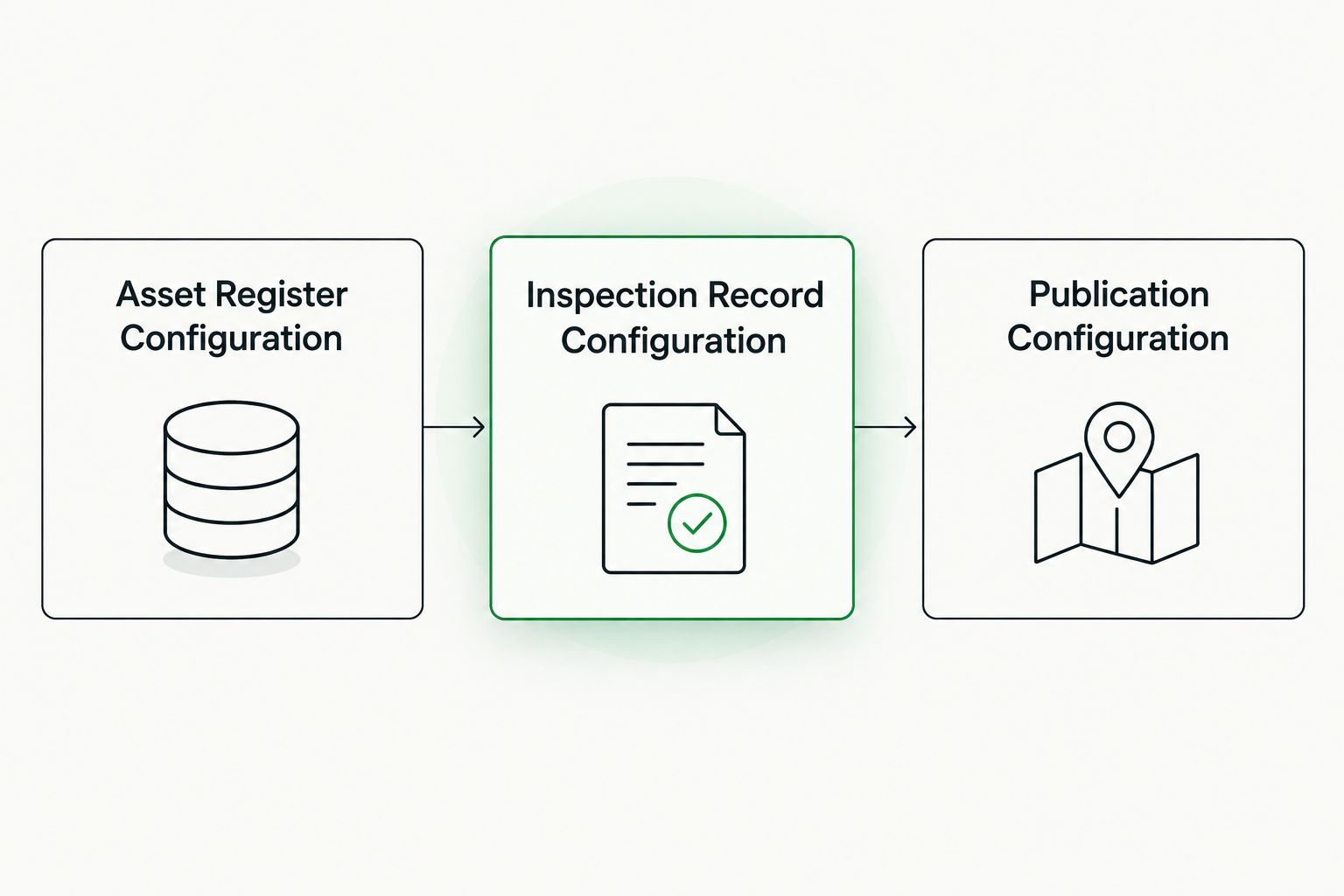
Publication Configuration
- Load a staging copy. Import the inspection deliverable into a review workspace before touching the live municipal map. Compare accepted record counts against the contractor's delivery manifest.
- Configure relationships. Connect pipe features to inspection events, then connect inspection events to observations. Use the software's relationship tools rather than assuming a simple table join preserves all history.
- Configure the map display. Show the asset identifier, accepted inspection date, completion status, and an authorized media reference. Label summaries clearly so users know whether they are seeing the latest inspection or a condition-priority view.
- Test access and location. Open media using a normal municipal viewer account. Check observation placement against the recorded start structure and direction before publishing defect points.
- Approve publication. Have the designated municipal reviewer accept the staged records, document unresolved exceptions, and release only the approved information to the operational map.
Retain the acceptance date for each 2026 inspection batch. A field inspection date and a municipal acceptance date answer different questions and should not replace one another.
Expected result: Authorized staff can select a pipe, review the correct inspection, and open its evidence. Incomplete records and unresolved identity conflicts stay outside the accepted condition view.
Updated Inspections & Rehabilitation History
A second workflow handles repeat inspections after cleaning, rehabilitation, or a reported problem. The asset ID remains the connection point, but each new inspection receives its own event identifier.
- Receive the new inspection in staging and check its asset reference.
- Check whether the event already exists before inserting it again.
- Add a new event for a genuinely new inspection. Preserve the earlier event and its observations.
- Link the inspection to the relevant work record when that relationship is documented.
- Update the map's summary only after municipal acceptance.
Do not overwrite a pre-rehabilitation inspection with a post-rehabilitation inspection. Both are needed to understand what was observed before and after the work. For cured-in-place pipe (CIPP) lining, keep the inspection evidence associated with the rehabilitation record rather than treating the liner installation as proof that every historical finding is resolved.
| Workflow | Best For | Advantage | Limitation |
|---|---|---|---|
| Reviewed Batch Import | Municipalities Receiving Scheduled Contractor Deliverables | Creates a Clear Acceptance Checkpoint | Requires a Designated Reviewer for Each Delivery |
| Automated Staging with Approval | Municipalities Receiving Recurring Inspection Updates | Repeats the Same Validation Rules Across Deliveries | Requires Maintained Field Mappings, Exception Handling, and Access Controls |
Start with reviewed batch imports when the delivery schema is still changing. Automate staging only after the municipality and contractor agree on identifiers, required fields, and rejection rules.
Troubleshooting
Inspections Attach to the Wrong Pipe
Check the asset identifier and both endpoint identifiers before checking geometry. A nearest-line match is not evidence of asset identity, especially around parallel mains or closely spaced structures.
Return unresolved matches to the GIS owner and inspection provider. Keep the record out of the accepted map until the physical segment is confirmed.
Pipe Features Appear More Than Once
Check whether a flat join has expanded each pipe into a separate row for every inspection or observation. The source pipe layer should retain its asset structure.
Replace the flattening join with related inspection and observation tables where the GIS supports that design. Build a separate summary view when the operational map needs a single condition display per pipe.
Defect Points Appear Backward
Compare camera travel direction with the stored GIS line direction. Also verify the starting structure and distance units.
Correct the placement logic rather than changing the original observed distance to make the point look right. If mapped geometry and recorded run length disagree, hold point publication for review.
Videos Open for Administrators Only
Check repository permissions with the same account type used by operations staff. A media reference that works on the inspection contractor's computer is not a municipal delivery test.
Move accepted media to the approved repository and test the published reference again. Avoid links that depend on a personal drive, temporary transfer location, or short-lived access token.
Customize the Workflow
Extend the accepted inspection records into capital planning, work orders, and rehabilitation scoping. Keep engineering decisions separate from raw observations so staff can trace a recommendation back to its supporting evidence.
Southeast Services provides condition assessment, cleaning and preparation, trenchless rehabilitation, and specialty work for municipal clients statewide. The GIS deliverable should specify which of those activities requires a new inspection event, an updated work record, or both.
For the next 2026 procurement, include the data schema and acceptance rules in the scope rather than negotiating them after inspection. Require correction of unmatched IDs, unusable media references, and incomplete records before final acceptance.
Frequently Asked Questions
What Is the Best Way to Connect CCTV Inspection Data to Municipal GIS?
Connect CCTV inspection data through persistent municipal asset IDs and related inspection-event records. Keep observations linked to their inspection rather than flattening everything into the pipe layer. Validate endpoint identifiers, direction, units, and media access in staging before the municipality accepts the delivery for publication.
Does Every CCTV Defect Need a GPS Coordinate?
No. A CCTV observation can be recorded as distance from a defined inspection start point. Mapping that observation requires a verified start reference, travel direction, compatible units, and suitable pipe geometry. Do not present a calculated defect point as a surveyed location unless survey evidence supports that claim.
Should a New Inspection Replace the Previous Inspection?
No. A new inspection should create a separate event linked to the same asset, unless the record is a documented correction to an existing event. Preserve earlier observations and media. Configure the map to show the approved summary while keeping the underlying inspection history accessible to authorized staff.
What Should a 2026 CCTV Inspection GIS Deliverable Include?
A municipal deliverable should include agreed asset identifiers, inspection-event identifiers, inspection dates, direction, distance units, observations, completion status, and usable media references. Include the coding standard and version supplied with the inspection. Define acceptance checks in the scope so the contractor and municipality evaluate the same requirements.
One Last Thing
A successful import is not the same as an accepted inspection deliverable. Before closing a 2026 inspection task, have an operations user open the map, select the intended pipe, locate the accepted inspection, and play the referenced evidence.
Diagnosis and rehabilitation require a licensed, certified contractor. GIS relationships organize the evidence. They do not establish the physical repair scope by themselves.
Discuss Municipal Inspection Requirements
Southeast Services of the Treasure Coast, Inc. is a Florida-licensed contractor headquartered in Vero Beach and serving clients statewide.
Discuss asset identifiers, inspection deliverables, and GIS acceptance requirements before fieldwork. Southeast Services of the Treasure Coast, Inc., 815 10th Court SW, Vero Beach, FL 32962. Phone 772-226-7416. Toll-free 888-808-CIPP (2477).
Commercial and municipal email: solutions@southeastservices.com. License numbers: CFC1429186, CUC1223872 & CGC1525265.